
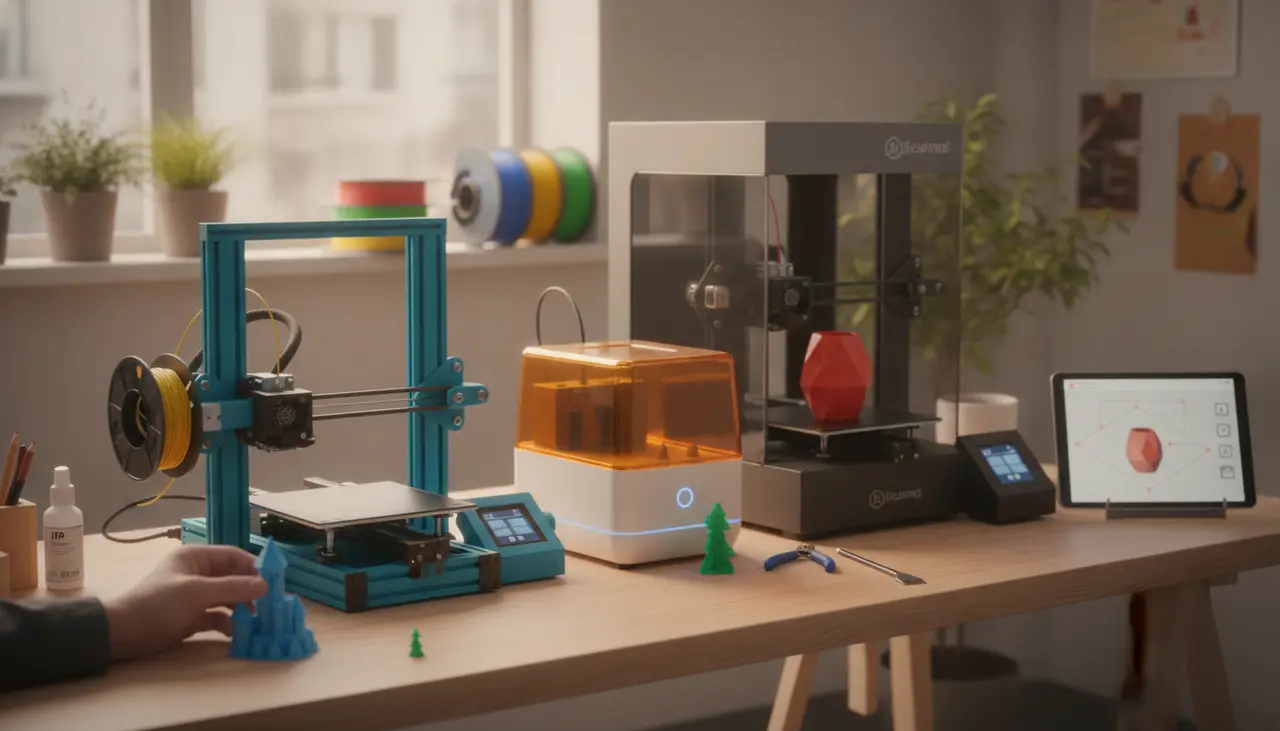
The Best 3D Printers for Beginners This Year: Start Your Making Journey Today
Choosing your first 3D printer is a major milestone. For many of us, it’s the moment a "cool idea" becomes a tangible object sitting on our desk. However, the market is filled with technical jargon like "auto-leveling," "direct drive," and "PEI sheets" that can make the process feel more like an engineering exam than a fun new hobby.
The best beginner 3D printer is one that balances ease of use, reliable print quality, and a supportive community. For most makers today, the Bambu Lab A1 Mini is the top choice for those who want a "plug-and-play" experience, while the Creality Ender 3 V3 SE remains the gold standard for those who want to learn the mechanics of their machine at a budget-friendly price point.
Is This Guide for You?
If you have spent hours watching timelapse videos of 3D prints and finally decided it’s time to try it yourself, you are in the right place. This guide is designed for creative hobbyists and DIY enthusiasts who want to avoid the "tinkering trap"—where you spend more time fixing the printer than actually printing. We are focusing on FDM (Fused Deposition Modeling) printers, which use spools of plastic filament (PLA), as they are the safest and most practical entry point for a home environment.
Quick Comparison: Top Beginner Picks
| Feature | Creality Ender 3 V3 SE | Bambu Lab A1 Mini | Anycubic Kobra 2 Neo |
|---|---|---|---|
| Primary Strength | Best Budget Entry | Best "It Just Works" Experience | Great Speed for the Price |
| Build Volume | 220 x 220 x 250 mm | 180 x 180 x 180 mm | 220 x 220 x 250 mm |
| Auto-Leveling | Yes (CR-Touch) | Yes (Full Calibration) | Yes (LeviQ 2.0) |
| Assembly Time | ~20 Minutes | ~15 Minutes | ~20 Minutes |
| Top Speed | 250mm/s | 500mm/s | 250mm/s |
Affiliate Disclosure: This post contains affiliate links. If you purchase a printer through these links, The 3D Print Nook may earn a small commission at no extra cost to you, which helps us keep the lights on and the nozzles clear.
The "It Just Works" Choice: Bambu Lab A1 Mini
For many beginners, the goal isn't to become a printer technician; it's to make things. The Bambu Lab A1 Mini has changed the landscape for hobbyists by automating almost everything that used to frustrate newcomers.
- Why it’s great for beginners: It features full auto-calibration. It checks its own vibration levels, levels the bed, and even offsets the "Z-height" (the distance between the nozzle and the plate) automatically.
- The Trade-off: The build area is smaller than average (180mm cubed). If you plan on printing large helmet cosplay pieces, you might find it a bit tight.
- Practical Tip: Pair this with the AMS Lite system later if you want to try multi-color printing without the headache of manual filament swaps.
The Budget-Friendly Classic: Creality Ender 3 V3 SE
Creality’s Ender series is legendary in the maker community. The "V3 SE" version is specifically designed to take the stress out of the classic Ender experience.
- Why it’s great for beginners: It includes a "Sprite" direct drive extruder, which makes loading filament much easier and reduces clogs. It also includes auto-leveling out of the box, which was a luxury feature just a few years ago.
- The Trade-off: While much easier to use than its predecessors, it still uses an open-frame design that requires a bit more attention to maintenance over time.
- Learning Opportunity: Because so many people own an Ender, you will find thousands of YouTube tutorials and forum posts if you ever run into a specific issue.
If you are still weighing your options between different technologies or want to understand the "why" behind these choices, check out The 3D Print Nook Master Buying Guide: How to Choose Your First Home 3D Printer for a deeper look at the fundamentals.
The Speed Specialist: Anycubic Kobra 2 Neo
If you are an impatient maker (don't worry, many of us are!), the Kobra 2 Neo offers a fantastic entry point that emphasizes print speed without sacrificing the "smart" features that prevent failed prints.
- Why it’s great for beginners: The assembly is straightforward, and the interface is very intuitive. It handles PLA and PETG filament beautifully, making it a versatile tool for home DIY projects.
- The Trade-off: The cooling fan can be a bit louder than the Bambu Lab models, so it might not be the best choice for a small studio apartment where you sleep in the same room.
Common Beginner Mistakes to Avoid
Even with the best beginner 3D printer, there is a learning curve. Here are three things to keep in mind to ensure your first week is a success:
- Touching the Build Plate: Your fingers carry natural oils. If you touch the gold or black build plate, your plastic won't stick, leading to a "spaghetti mess." Wipe your plate with 90% Isopropyl Alcohol if you accidentally touch it.
- Ignoring Filament Moisture: Filament is like a sponge; it absorbs moisture from the air. If your prints start looking "fuzzy" or you hear popping sounds at the nozzle, your filament might be damp. Store your spools in airtight bins with desiccant packs.
- Walking Away Too Early: Always watch the first layer of your print. If the first layer goes down smoothly, there is an 80% chance the rest of the print will succeed.
Maintenance & Upgrades: A Sneak Peek
Eventually, you will need to perform basic maintenance, like tightening belts or replacing a worn-out brass nozzle. Don't let this intimidate you! Think of it like changing the oil in a car—it’s a simple task that keeps your machine running beautifully for years. We recommend keeping a small toolkit with a pair of flush cutters, a spatula, and a set of Allen keys nearby.
Frequently Asked Questions
Do I need to know 3D modeling (CAD) to start? Not at all! Sites like Printables and Thingiverse have millions of free, ready-to-print designs. You can start by printing things others have made while you slowly learn tools like Tinkercad or Fusion 360 at your own pace.
Is 3D printing expensive to maintain? The main ongoing cost is filament. A standard 1kg spool of PLA filament costs between $15 and $25 and can print dozens of small models or several large ones. Electricity usage is similar to running a desktop computer.
Which filament should I buy first? Start with PLA (Polylactic Acid). It is biodegradable, doesn't require a high-temperature enclosure, and is the most "forgiving" material for beginners. Avoid specialty filaments like wood-fill or carbon fiber until you are comfortable with the basics, as they can wear down your nozzle faster.
Ready to start? Pick the printer that fits your space and budget, grab a spool of PLA, and remember: every "failed" print is just a lesson in disguise. Welcome to the maker community!